
Organize Conversations
Use smart tabs to instantly categorize and filter conversations based on what matters.
Capture leads, automate follow-ups and manage your entire pipeline - right inside your business inbox. No new app to learn, no migration.
✓ Works on Chrome, Edge & Brave · ✓ 2-minute setup · ✓ No credit card
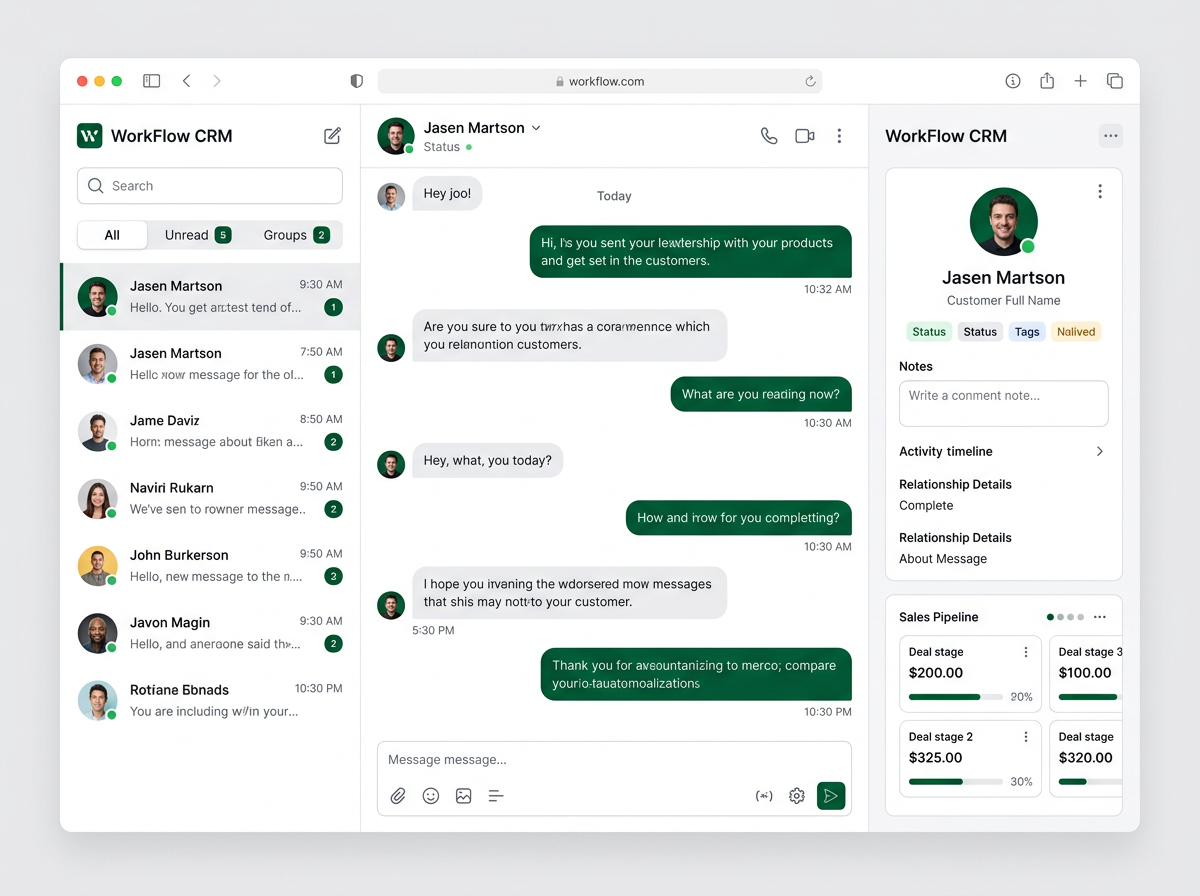
Categorize, filter and manage all your business chats from one clean, tabbed inbox - so nothing important ever slips through.
Use smart tabs to instantly categorize and filter conversations based on what matters.
Quickly access all unread messages and never miss an important conversation.
View all unsaved conversations in one place and decide what to save.
Filter and manage your personal conversations effortlessly.
Access and manage all group chats from a dedicated tab.
Add, remove, or reorder tabs to customize your workflow your way.
No migration, no IT project. Install the extension and you are live on the same business inbox you already use every day.
Install the WorkFlow CRM extension from the link we send you. The whole setup takes less than two minutes.
Scan the QR code as usual. WorkFlow CRM layers neatly on top of your business inbox - nothing to migrate.
Auto-capture incoming leads or import an existing list. Tag, segment and organize them in seconds.
Set up pipelines, automations and follow-ups, then watch deals move forward on autopilot.
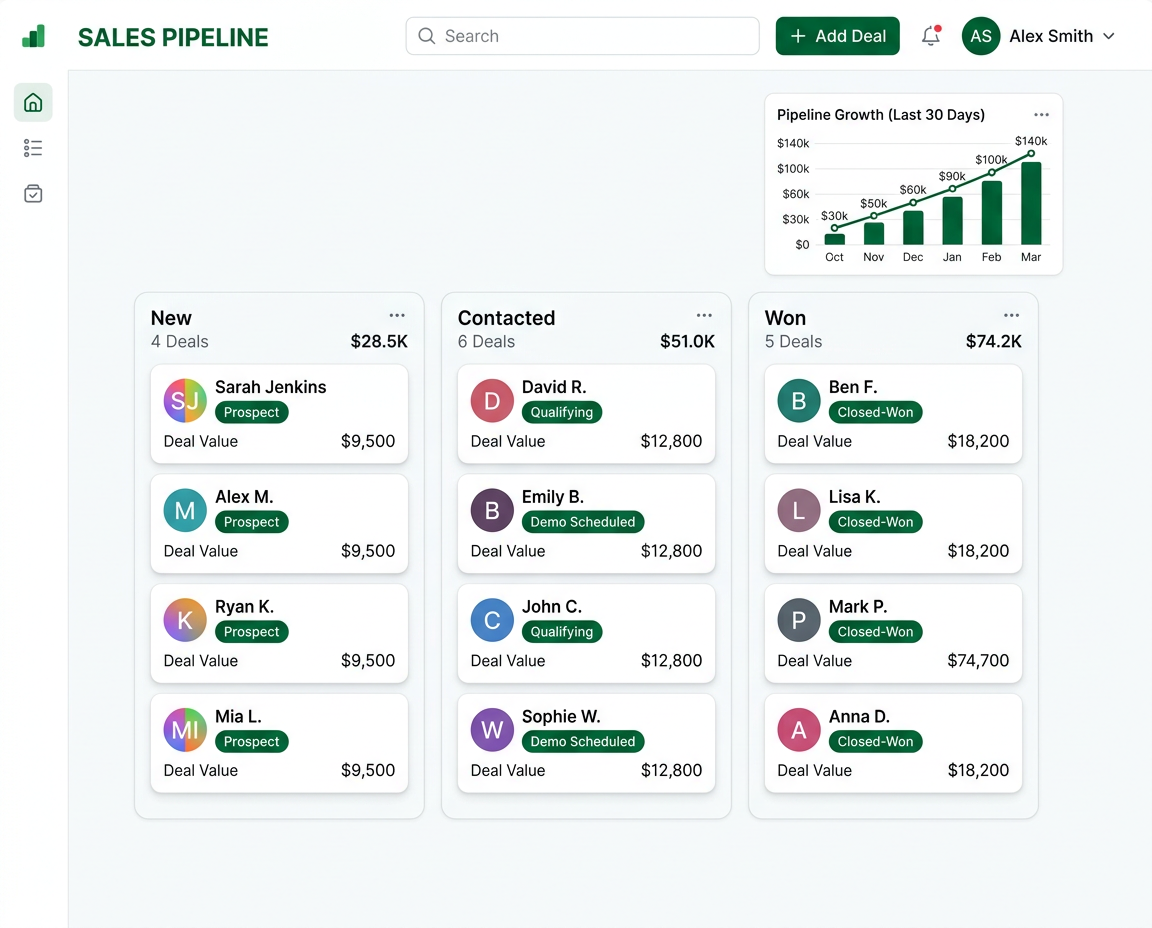
Stop switching between tabs. WorkFlow CRM brings deals, notes, reminders and automations into the conversation so nothing slips through the cracks.
Everything you need to know before you install WorkFlow CRM.
Absolutely not. WorkFlow CRM does not transmit, store, or process your business messages on any server. All your data stays locally on your own device. We have no access to your conversations whatsoever.
Install the extension, activate your free trial - no credit card required. You get full access to every feature for 3 days. After that, choose the plan that fits your business size. Cancel any time, no questions asked.
Yes. WorkFlow CRM supports multiple agents, each on their own business number. The Team Service feature lets you transfer live chats between agents in one click - perfect for sales, support, and technical teams working together.
Not at all. WorkFlow CRM is designed for business owners and sales agents - not developers. Install the Chrome extension, open your business inbox, and all the features appear automatically. Most users are fully set up in under 10 minutes.
Join thousands of teams closing more deals for their business. Install in two minutes - free to start.